








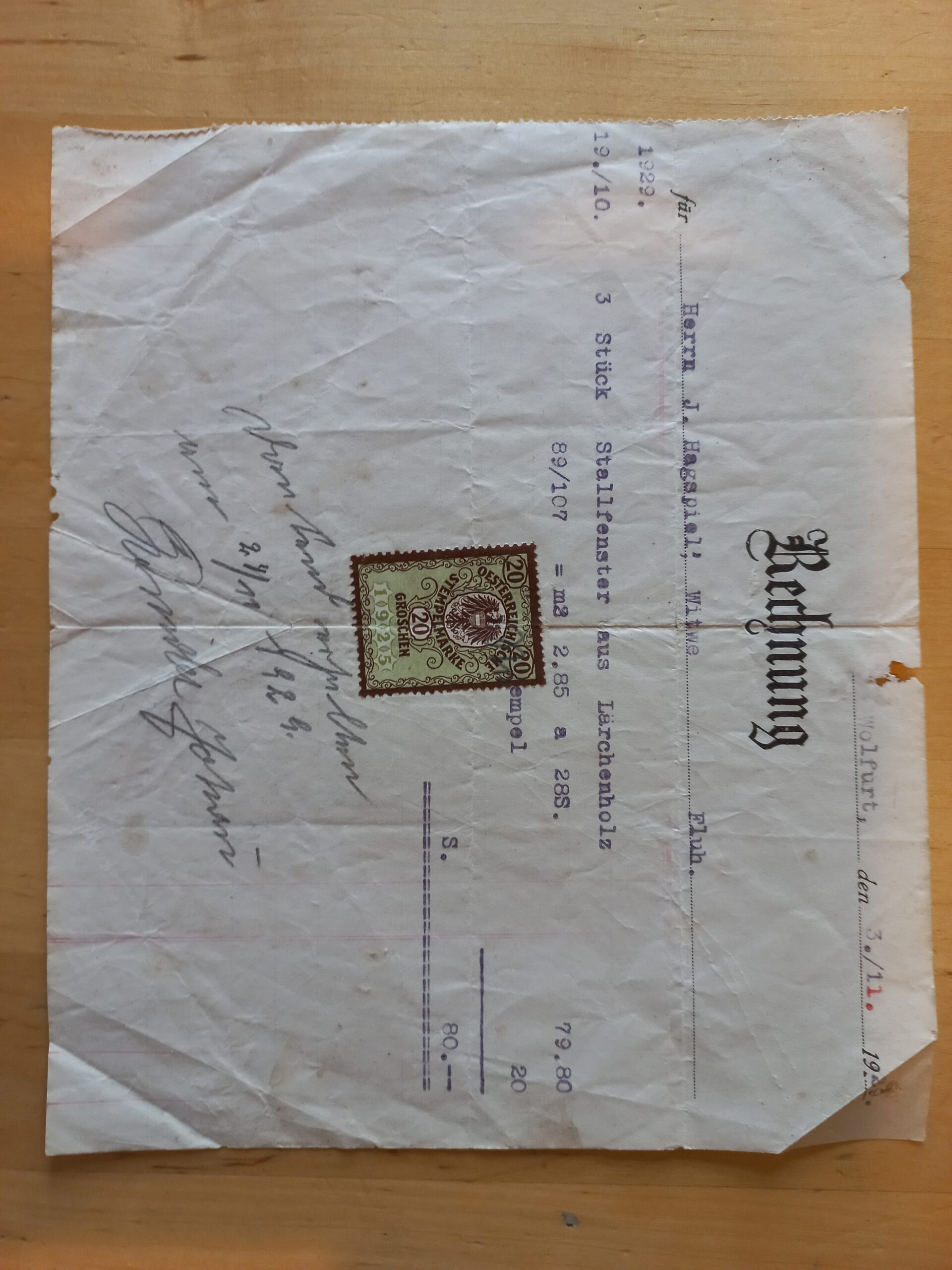
Every business sits on a pile of PDFs — invoices, contracts, reports — and someone is paid to retype their contents into spreadsheets. This guide automates that: a small local pipeline that watches a folder, parses each PDF with Docling (IBM’s open-source document understanding toolkit), extracts structured fields with a local LLM, and writes clean rows to a CSV. No cloud APIs, no per-page fees, and the documents never leave your machine.
Our worked example processes invoices: invoice number, date, vendor, line items, and totals. But the pattern — parse, extract, tabulate — fits contracts, CVs, and lab reports just as well. It’s aimed at developers comfortable with Python.
Prerequisites
- OS: Linux or macOS (Windows via WSL2).
- Python: 3.10–3.12.
- RAM: 8 GB minimum. Docling downloads layout-analysis models on first run (~1–2 GB).
- Ollama: installed with a capable small model pulled (
ollama pull qwen2.5:7b). The extractor calls it over HTTP, as in our Ollama guide.
Step 1: Install Docling and parse your first PDF
pip install docling
python3 - <<'EOF'
from docling.document_converter import DocumentConverter

converter = DocumentConverter()
result = converter.convert("invoice.pdf")
md = result.document.export_to_markdown()
print(md[:1500])
EOF
The first run downloads Docling's models, so expect a wait. What comes back is the document as structured Markdown — headings, tables converted to Markdown tables, reading order preserved. Compare that with what pypdf gives you on the same file (often a jumble of text fragments) and you'll see why this step matters: the LLM in step 3 can only extract what the parser understood. Docling also ships a CLI — docling invoice.pdf --to md — handy for quick checks.
One design decision to make early: how much structure to preserve. For extraction, flat Markdown is ideal — the model reads it like a person would. But if you later feed these documents into a RAG pipeline, keep Docling's heading hierarchy intact and chunk on headings rather than fixed character counts; section-aware chunks retrieve far better than arbitrary ones. Either way, save the Markdown alongside the PDF — re-parsing is the slowest part of the pipeline, and you'll re-run extraction many times while iterating on prompts.
Step 2: Extract structured fields with a local LLM
Markdown is readable; a CSV needs fields. We ask the local model to return JSON with exactly the schema we want, then validate it in Python:
import json, requests

SCHEMA_PROMPT = """Extract the following fields from the invoice text below.
Return ONLY valid JSON with these keys:
{"invoice_number": string, "invoice_date": string (YYYY-MM-DD),
 "vendor": string, "currency": string, "grand_total": number,
 "line_items": [{"description": string, "qty": number, "amount": number}]}

Invoice text:
---
{markdown}
---"""

def extract_fields(markdown: str) -> dict:
    r = requests.post(
        "http://localhost:11434/api/generate",
        json={
            "model": "qwen2.5:7b",
            "prompt": SCHEMA_PROMPT.format(markdown=markdown[:12000]),
            "stream": False,
            "format": "json",          # constrains output to valid JSON
            "options": {"temperature": 0.0},
        },
        timeout=300,
    )
    r.raise_for_status()
    data = json.loads(r.json()["response"])
    # Minimal validation: fail loudly on missing fields
    for key in ("invoice_number", "invoice_date", "vendor", "grand_total"):
        if key not in data:
            raise ValueError(f"Missing field: {key}")
    return data
Three things make this reliable: temperature: 0.0 (extraction isn't creative writing), format: "json" (Ollama constrains decoding to valid JSON), and the validation step that refuses to silently accept garbage. Truncating the Markdown to ~12k characters keeps slow invoices fast; Docling puts the important content early anyway.
Step 3: Wire it into a folder-watching pipeline
Create process_invoices.py tying it together — parse, extract, append to CSV, move processed files aside:
import csv, json
from pathlib import Path
from docling.document_converter import DocumentConverter

INBOX, DONE = Path("inbox"), Path("done")
INBOX.mkdir(exist_ok=True); DONE.mkdir(exist_ok=True)
converter = DocumentConverter()

rows = []
for pdf in sorted(INBOX.glob("*.pdf")):
    print(f"Processing {pdf.name} ...")
    md = converter.convert(str(pdf)).document.export_to_markdown()
    try:
        data = extract_fields(md)   # from Step 2
    except Exception as e:
        print(f"  FAILED: {e} — leaving file for manual review")
        continue
    for item in data.get("line_items", []):
        rows.append({
            "file": pdf.name,
            "invoice_number": data["invoice_number"],
            "invoice_date": data["invoice_date"],
            "vendor": data["vendor"],
            "currency": data.get("currency", ""),
            "grand_total": data["grand_total"],
            "item": item.get("description", ""),
            "qty": item.get("qty", ""),
            "amount": item.get("amount", ""),
        })
    pdf.rename(DONE / pdf.name)

with open("invoices.csv", "w", newline="") as f:
    writer = csv.DictWriter(f, fieldnames=rows[0].keys())
    writer.writeheader(); writer.writerows(rows)
print(f"Wrote {len(rows)} line items to invoices.csv")
Drop PDFs into inbox/, run the script, open invoices.csv. For a hands-off version, run it on a schedule (cron) or add a file watcher — the logic doesn't change.
Step 4: Check quality before trusting it
Run ten representative invoices through and compare the CSV against manual entry. Track two numbers: field accuracy (are the values right?) and failure rate (how often does it refuse or produce invalid JSON?). Common fixes: invoices with unusual layouts parse worse — Docling's table structure helps, but truly exotic templates may need a per-vendor prompt tweak; and grand_total errors usually mean the model read a subtotal — adding "the final total at the bottom of the invoice" to the prompt fixes most of them.
Running it on a schedule and watching it
A script you run manually is a prototype; a pipeline runs itself. The simplest production shape: a cron job that runs process_invoices.py every hour against a shared inbox folder, appending to a cumulative CSV (switch "w" to "a" and write the header only if the file is new). Add a dead-letter pattern — files that fail extraction move to a review/ folder instead of blocking the batch, and a daily email or chat message summarises what was processed and what needs eyes.
Log three things per file: processing time, the model used, and the extracted grand total. The totals log is your canary — a sudden spike in failures or a drift in average invoice value tells you a vendor changed their template before anyone complains. And version your prompts: keep SCHEMA_PROMPT in a separate file with a version number, because you will iterate on it, and "which prompt produced this CSV" is a question you'll eventually need to answer.
Where things go wrong
Docling's first run is slow / downloads fail. It fetches model weights from Hugging Face on first use. If you're offline or behind a proxy, pre-download once with network access — subsequent runs are fully local.
Scanned PDFs produce empty Markdown. Pure image scans need OCR. Enable Docling's OCR pipeline for those files (slower, but it works), or pre-process with an OCR tool.
JSON parse errors from the LLM. Even with format: "json", small models occasionally emit trailing commentary. Our validation catches it; the practical fix is a retry loop (2–3 attempts) before flagging for manual review.
Hallucinated line items. If the invoice has no itemised table, the model may invent one. Guard with: "line_items": [] is acceptable — add "use an empty list if there are no line items" to the prompt.
Wrap-up
You've built the canonical local document pipeline: Docling for layout-aware parsing, a local LLM for schema-constrained extraction, CSV out. The same architecture powers RAG ingestion — in fact, Docling's Markdown output is an excellent chunking source for a knowledge base. Start with one document type, measure accuracy, then expand; automation you can't measure is just hope with extra steps.
Featured image: Asurnipal via Wikimedia Commons (CC BY-SA 4.0)